
Showing posts with label intro. Show all posts
Showing posts with label intro. Show all posts
Wednesday, November 02, 2022


Tuesday, July 26, 2022
Grades, Artsonia, Digital Portfolio, Photography, Artist statement

- Artsonia video for students
- Artsonia website
- Artsonia RMS Student Digital Portfolios
- Artsonia classroom mode
- Artwork is only turned in on Artsonia for a grade.
- To access Artsonia go to the assignment in Google Classroom.
- Each assignment in Google Classroom has a link to Artsonia.
- Take a good quality photograph of your artwork so only the artwork is in the photograph. Use your Chromebook or phone to take a picture.
- Make sure you crop out anything that is not the artwork so you don't lower your grade.
- Each artwork requires a statement about the artwork. A statement is at least one sentence with the first word capitalized and a period at the end. Any work without a statement will be sent back and you resubmit with a statement. No credit will be given without a statement. Statement adds to the artwork. You can write it in Spanish. Artist statement
Monday, July 25, 2022
First Week: Draw Art Class Rules & Splatter Paint your Portfolio


- Illustrate each of the 8 rules on the blank template
- color
- On the back research on the internet 2 art projects you would like to do this semester.

- Upload to Artsonia with a statement explaining what you did.


Friday, January 03, 2020
Welcome to Art in Room 503 RMS-MDUSD
intro to art by Annemarie Baldauf
Welcome to 2019/2020 school year. Should be very exciting and productive year. Please watch the video introducing myself, my family, my summer and what projects I hope to do this year.


------------------------------------------------------------------------------
Taking time the first day of school to look at the art room windows.
I ask students at the end of the video to look at the windows and find the white unicorns hidden in them. There are about 30 unicorns in these windows that took 8 years to make. Each vertical row has a theme: American art, Latino art, African art, Egyptian art, Asian art, Indian art and art history.
art room windows
I ask students at the end of the video to look at the windows and find the white unicorns hidden in them. There are about 30 unicorns in these windows that took 8 years to make. Each vertical row has a theme: American art, Latino art, African art, Egyptian art, Asian art, Indian art and art history.
art room windows


 |
iPad Art with Symmetrical Art on iOrnament
|


 |
| kiln, extruder, slab roller, wedging table |
 |
| active board |
 |
15 computers in the art room  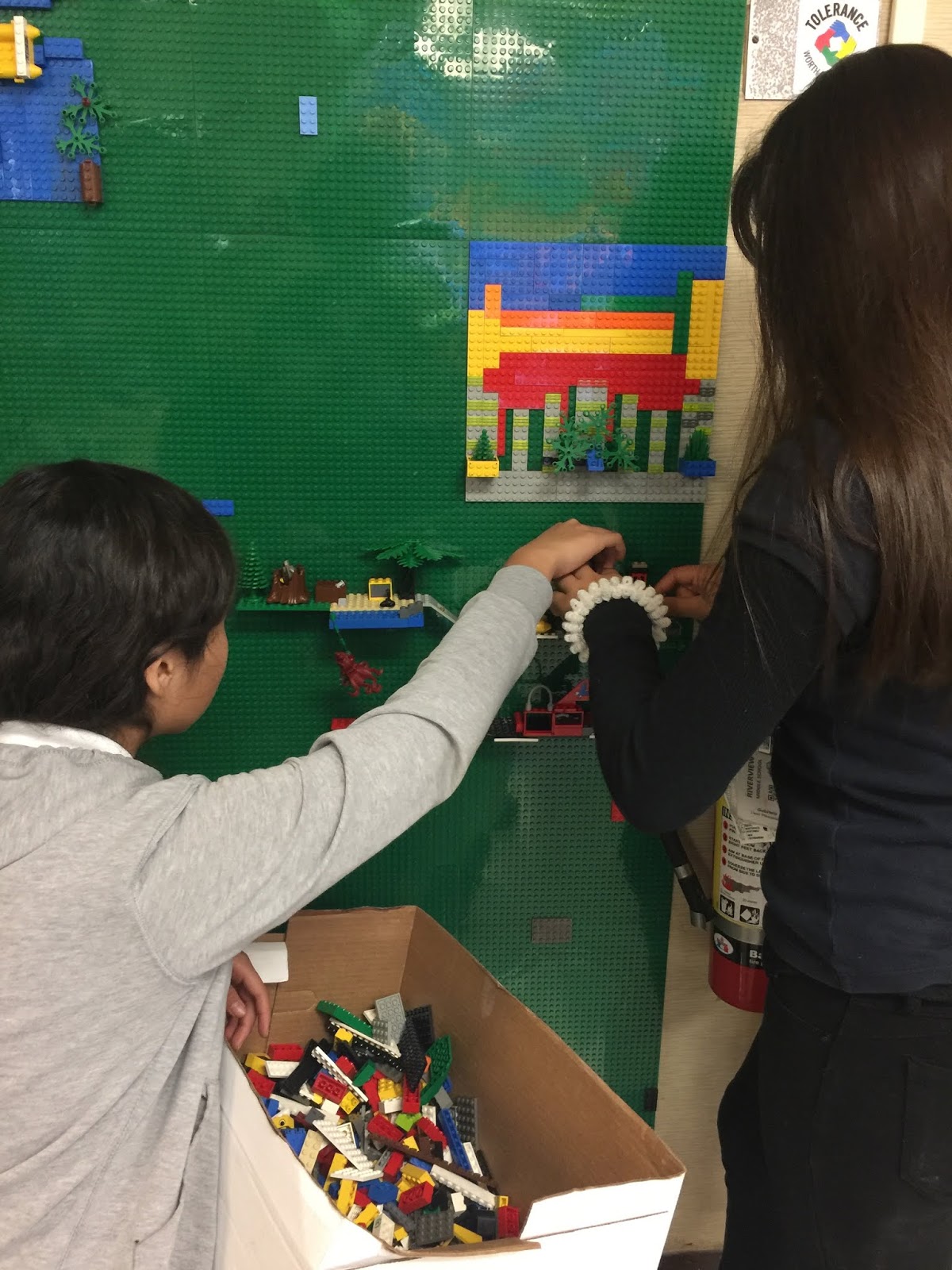  Lego wall Lego wall |
Saturday, July 08, 2017
Your Sketchbooks & Portfolios
 |
| Sketchbook cover drawing before color was added. |
 |
| Pick one "ART" to try on your sketchbook cover. |
 |
| 6 styles of graffiti |
 |
| background patterns to try |
 |
3 TIMES TO CHECK IN: Bring this sheet up with you when you are checking in with me:
1. When your drawing is finished & you are ready to outline with sharpie.
2. When you are ready to add color to your sketchbook.
3. When you are finished, before you upload your art to Artsonia, check with me.
|


Subscribe to:
Posts (Atom)